Introduction
I’ve been using Linux as my primary desktop since 1999. That’s 27 years of daily driving it through every era of desktop Linux, from the days of manually configuring XFree86 modelines to whatever KDE Plasma is doing now. My take in 2026 is roughly the same as it’s been for the last decade: it works, it requires effort, and the experience hasn’t fundamentally changed as much as people keep saying it has.
The distro journey
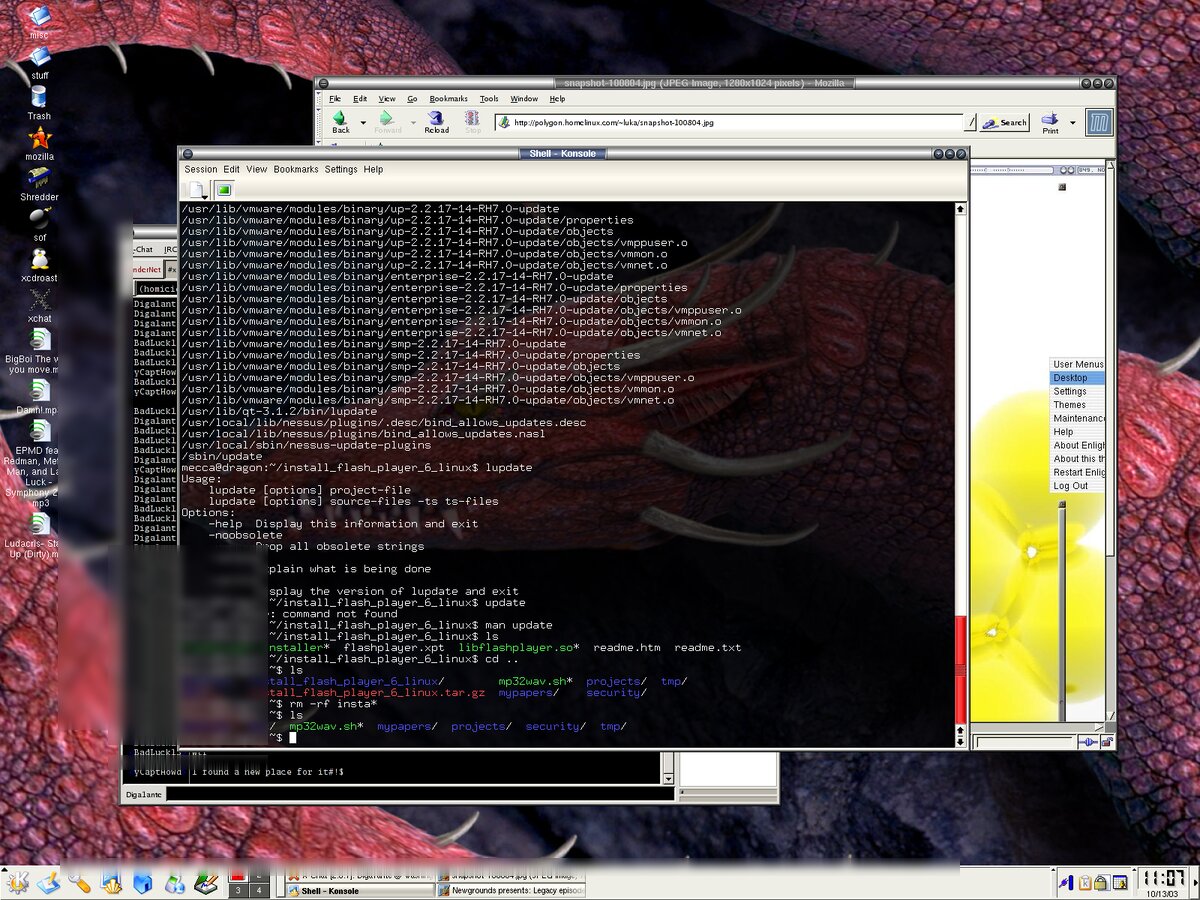
I started on Slackware, which at the time was the obvious choice if you wanted to actually understand what was happening on your system. From there I moved to Debian for stability, then to Gentoo because I apparently enjoyed waiting for things to compile. I’ve been on Arch since 2018, and it’s been the best fit for me. Rolling release means I’m never dealing with major upgrade breakage, and the AUR covers basically everything I need. The wiki alone is worth running Arch for.
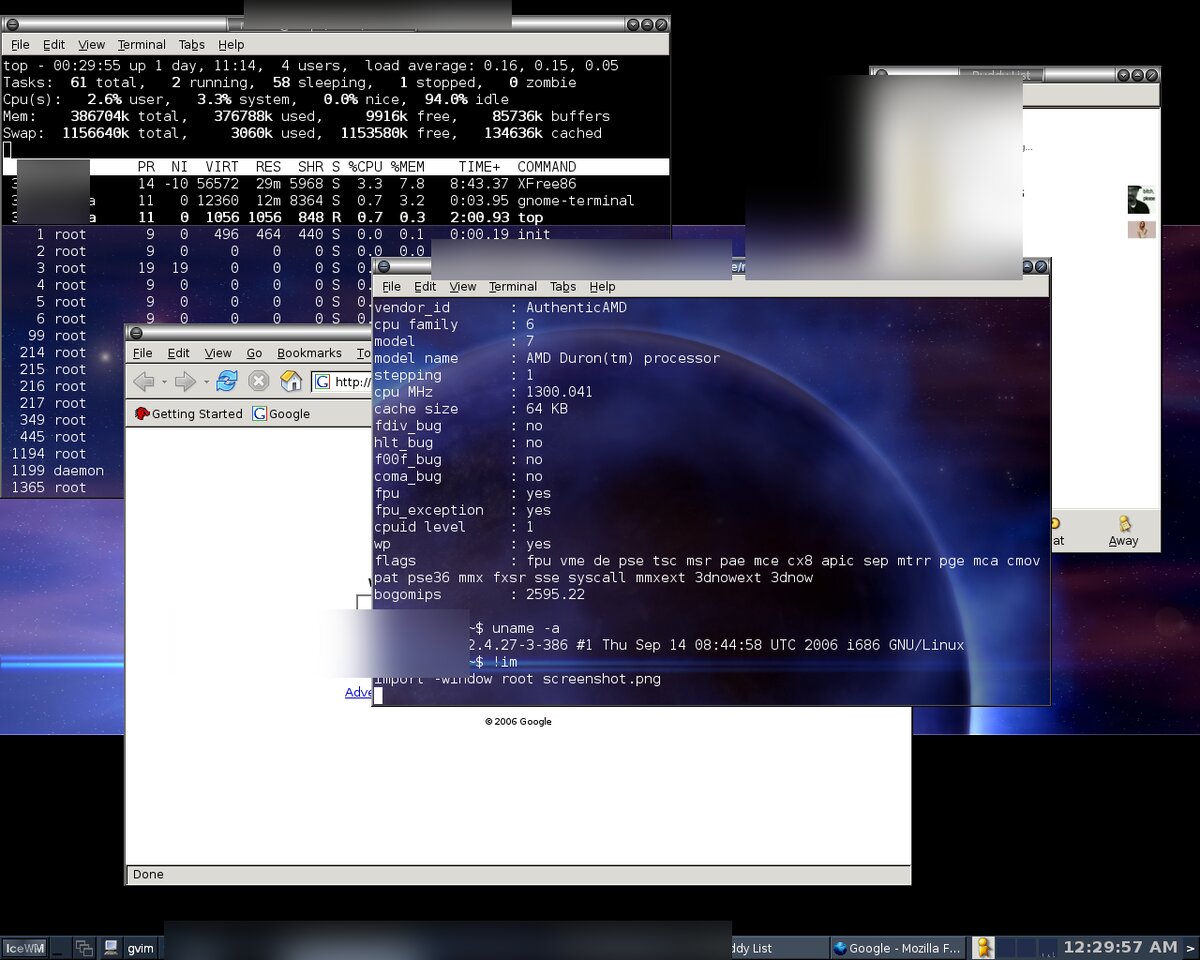
Looking back, each distro switch was driven by wanting more control or less hassle, depending on where I was at the time. Arch hits a good middle ground. You set things up once, and then rolling updates generally just work. When they don’t, the fix is usually well documented.
Window manager history
I’ve gone through most of the major options: KDE, GNOME, XFCE, Fluxbox, i3, and now back to KDE Plasma. Each switch felt like a reaction to whatever annoyed me about the last one.
KDE early on was feature-rich but unstable. GNOME went through its GNOME 3 reinvention and I didn’t love the direction. XFCE was solid but felt like it stopped evolving. Fluxbox was fast and minimal, which I appreciated until I wanted things like proper multi-monitor support. i3 was great for productivity once you internalized the keybindings, but I got tired of configuring everything by hand. Every time I wanted something simple like a system tray or a Bluetooth menu, it was another config file and another package.
I ended up back on KDE Plasma and it’s genuinely good now. It’s stable, configurable without being overwhelming, and it handles the basics well. It’s not perfect, but it’s the least annoying option I’ve found.
What still doesn’t work well
Multi-monitor and HiDPI. This is still one of the more frustrating parts of using Linux on the desktop. Mixed DPI setups are painful. If you have a 4K monitor next to a 1080p monitor, something is going to look wrong. Fractional scaling sort of works but introduces blurriness or rendering artifacts depending on the toolkit. That said, it’s come a long way from the days of manually writing XFree86 modelines to get a second monitor working at all. It’s much better, just not solved.
Gaming. Proton has come a long way and a lot of games work out of the box through Steam. But anti-cheat is still a problem for multiplayer games, and you’ll occasionally hit a title that just doesn’t work. If gaming is a primary use case, you’ll still run into walls that Windows users don’t.
Audio. PipeWire has been a major improvement over PulseAudio, but audio still breaks occasionally. I’ll get a situation where output just stops working after a suspend/resume cycle, or an application grabs the wrong device. Once it’s working, screen sharing and video calls are fine. But “once it’s working” is doing a lot of heavy lifting in that sentence.
General polish. This is the death-by-a-thousand-papercuts category. Inconsistent theming between GTK and Qt apps. File dialogs that behave differently depending on the toolkit. Drag and drop that sometimes works and sometimes doesn’t. Notifications that look different across applications. None of these are dealbreakers individually, but they add up to an experience that feels less cohesive than macOS or even Windows.
What works well
Development workflow. This is where Linux shines and always has. Package managers, native terminal experience, Docker without a VM layer, SSH just being there. If you’re a developer or sysadmin, the desktop is secondary to the fact that you’re already on the platform you’re deploying to.
Customization. If you want to change how something works, you almost certainly can. This is both Linux’s greatest strength and its biggest time sink.
Stability. Arch with KDE has been remarkably stable for me. I update regularly and rarely hit issues that prevent me from working. When something does break, it’s usually a quick fix.
Still on X11
I know Wayland is the future, but I’m still on X11. It works, I don’t have any pressing issues with it, and the Wayland transition still has enough rough edges that I haven’t been motivated to switch. Screen sharing, some older applications, and certain window management features still work more reliably under X11. I’ll probably switch eventually, but not until I have a reason to.
Conclusion
Linux on the desktop in 2026 is largely the same experience it’s been for years. The rough edges have shifted (PulseAudio problems became PipeWire problems, X11 limitations are becoming Wayland growing pains), but the fundamental trade-off hasn’t changed. You get a system you fully control, and in exchange you accept that some things will require more effort than they would elsewhere.
After 27 years, I’m not switching. But I also wouldn’t tell someone it’s gotten dramatically easier. It’s gotten different. If you’re comfortable fixing things when they break and you value the development environment, it’s great. If you want something that just works without thinking about it, it’s still not quite there.